Why guests order less than they could, and what to do about it
Most owners have seen it: a couple sits down, looks around, and five minutes later they’re gone. Or they order one coffee and never get to dessert.
Common reasons
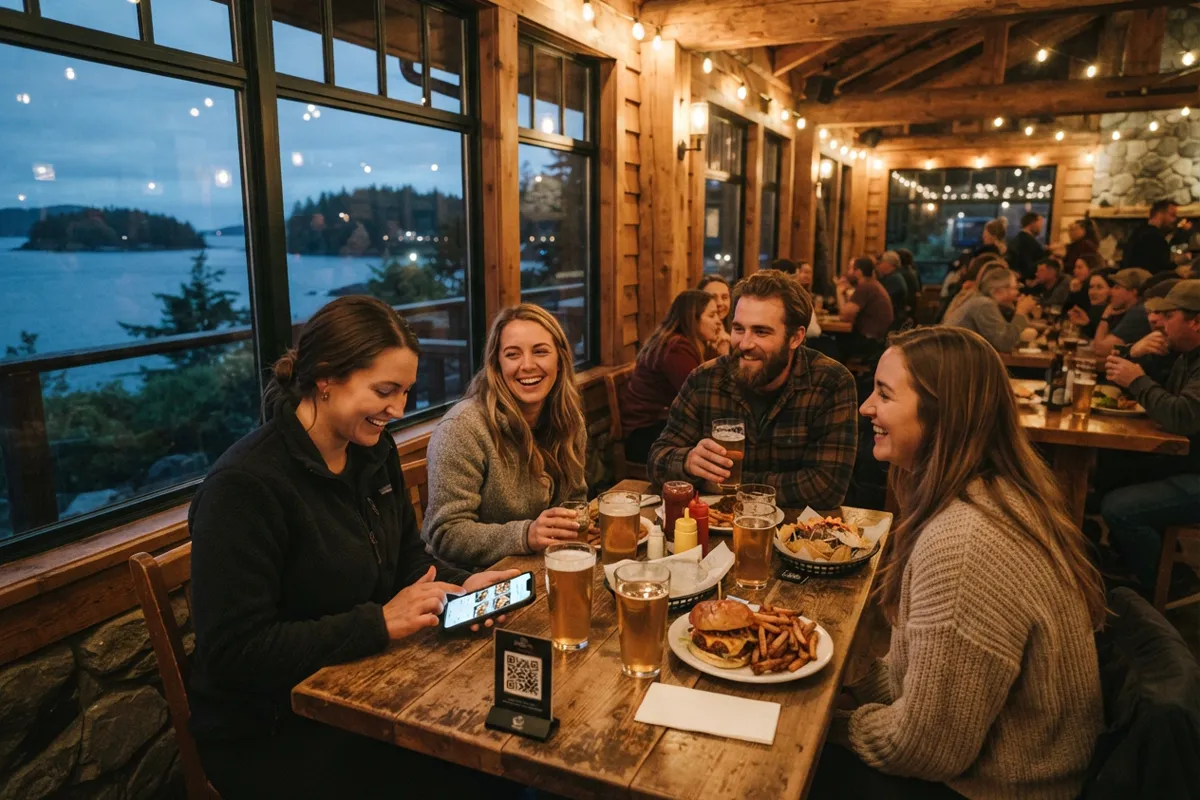
- They can’t find a menu. If the menu is only on the wall behind the counter, people at the window table have to get up to read it. Put a menu, or a QR code, on every table.
- They wait too long to order. On a busy evening, guests often wait for a server just to get a menu, ask a question or order one more drink. Let them read the menu while they wait.
- They don’t know what the dish looks like. A photo answers “how big is it?” and “is it spicy?” before anyone has to ask.
- The prices are a surprise. Crossed-out prices and “ask your server” make people uneasy. Show the real price and the size. If you add a service charge, say so on the menu.
- They decided before they came. 71% of Canadians check a restaurant’s menu before a first visit, at least sometimes (Narrative Research, 2024). If your menu isn’t on Google or your website, some people simply go where they can see one.
A menu that changes with the time of day
A paper menu is the same all day. A digital one can change.
For example:
- Friday evening and weekends: guests see beer, snacks and burgers first.
- Weekday lunch: soups, lunch sets and coffee to go.
- Morning: breakfast and pastries.
Nothing disappears from the menu. Only what the guest sees first changes. Next to a burger, you can show a drink or a dessert that goes well with it.
Then you can test: which dishes guests tap on most, what they open and what they scroll past. You’ll see which dish deserves a higher spot and which one should be replaced.
We set this up too. What your place needs is something we’d talk through with you: write to us and we’ll tell you more.
Where to start: pick one reason from the list and fix it this week. A menu on every table and an up-to-date menu on Google cover most of it.