Table ordering & bookingMore than a menu, when you need it.
Quoted separately. The menu works fine without them.
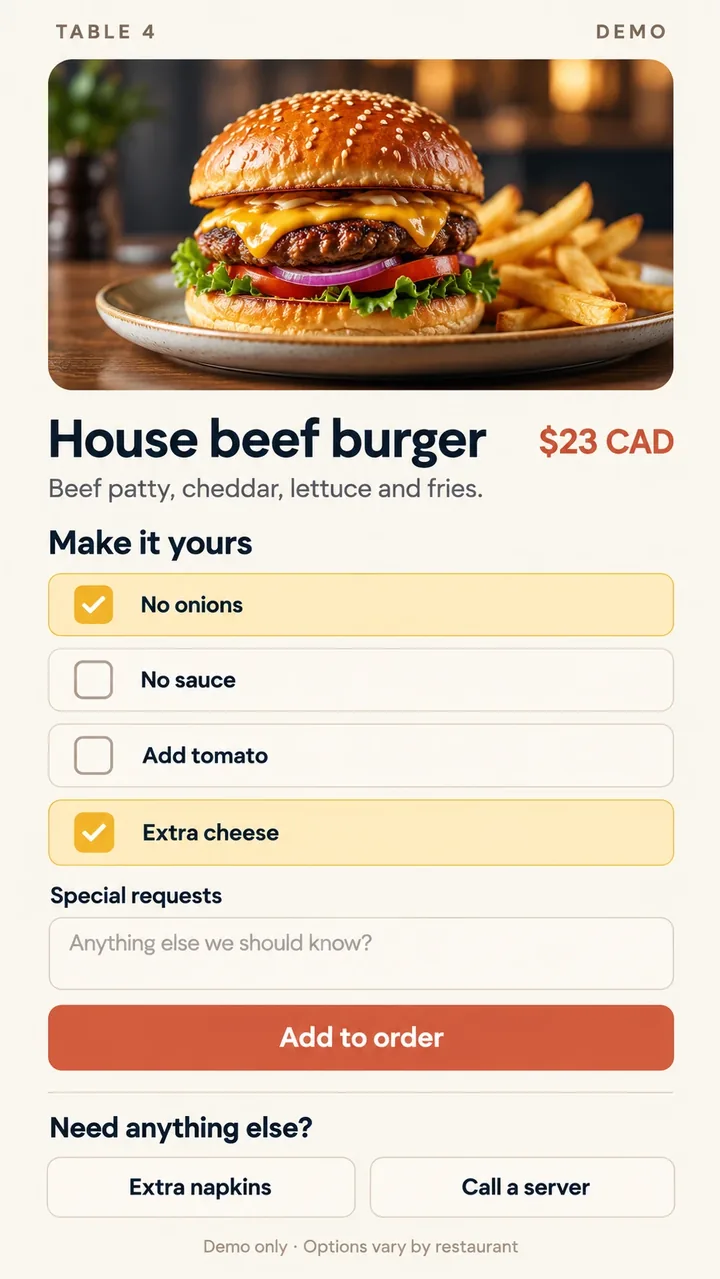
Personalised options · Optional
Make it yours,
dish by dish.
Each guest sets up the dish the way they like it, right on the phone. No shouting over the table, no mistakes in the kitchen.
- Take something out. No onions, no sauce.
- Add something. Tomato, extra cheese.
- Leave a note. “Allergic to nuts”, “sauce on the side”.
- The kitchen sees it right next to the dish.
We build the options around your menu and what your kitchen can do.
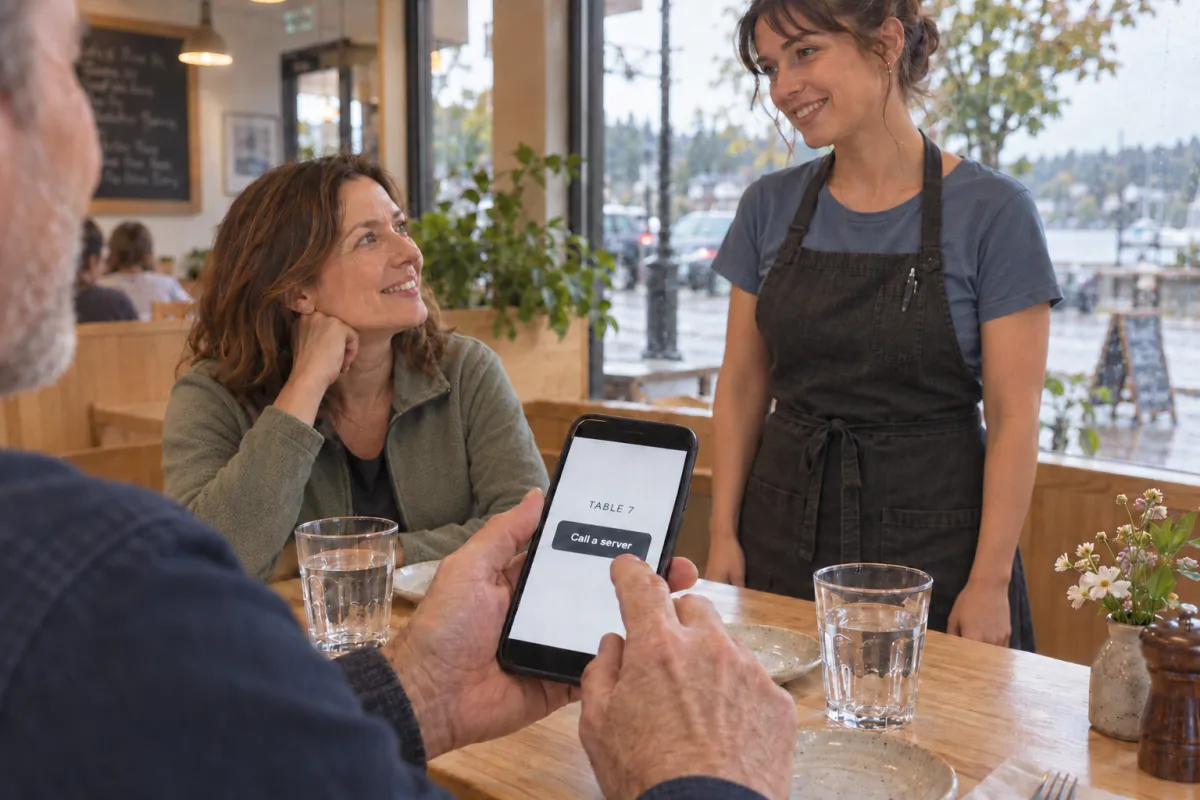
At the table · Optional
Need something else?
Ask from the table.
Guests order another drink or call a server from the same screen.
- Another beer
- Extra ice
- Extra napkins
- Call a server
How orders reach your staff depends on your setup. The demo sends nothing.
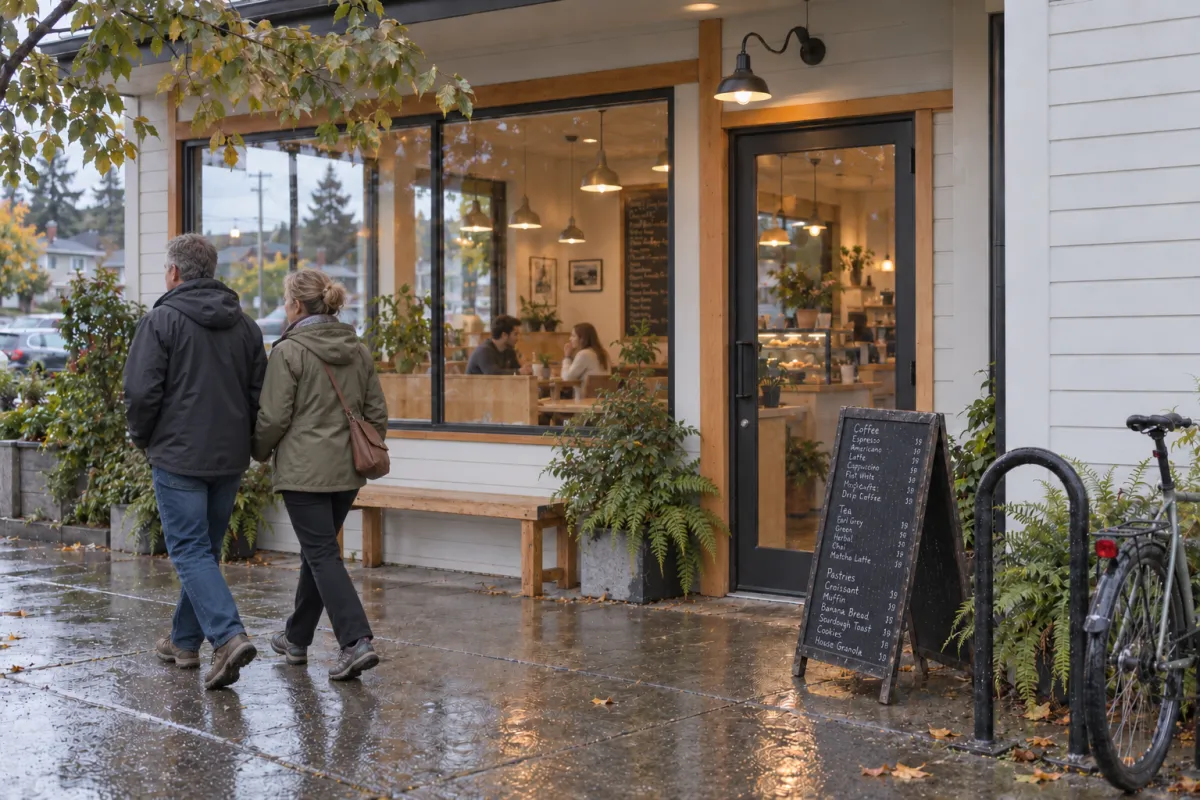
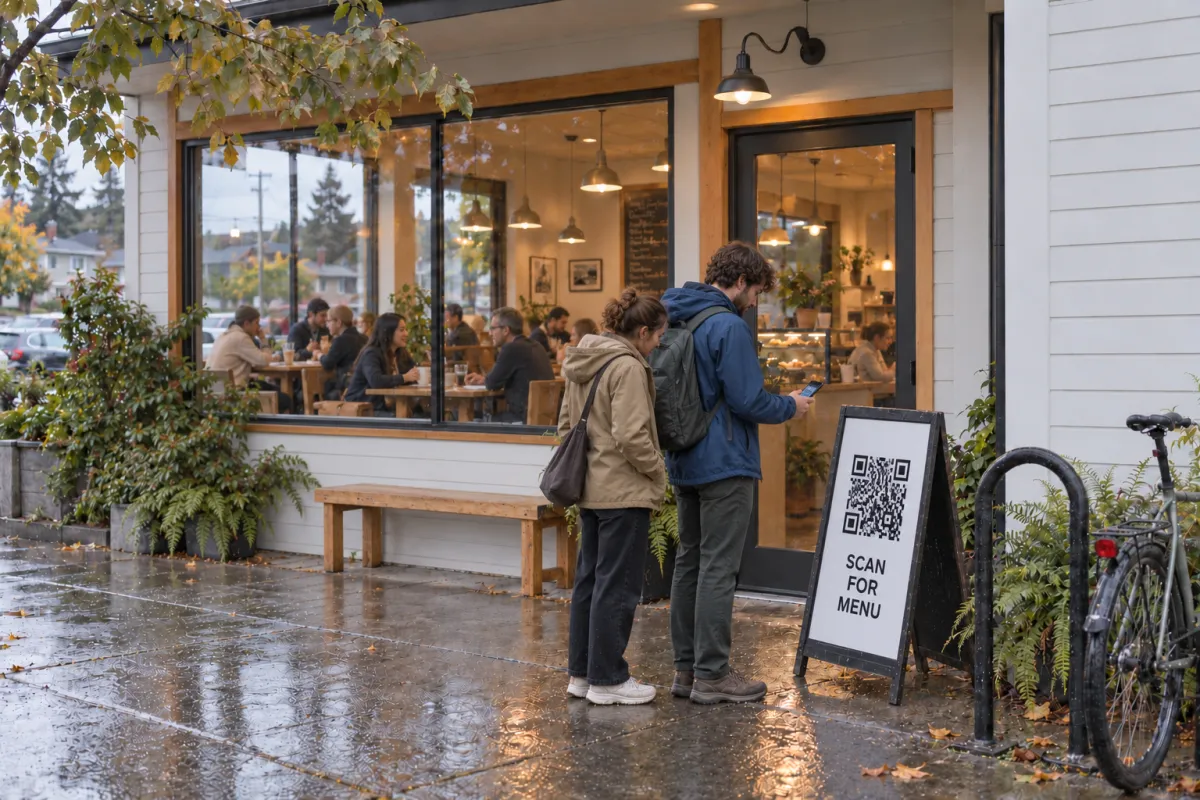 BEFOREAFTER
Before they walk in · Optional
Your menu works
before guests sit down.
Put a code on your door or window. People walking past see the whole menu with photos on their phone, and come in.
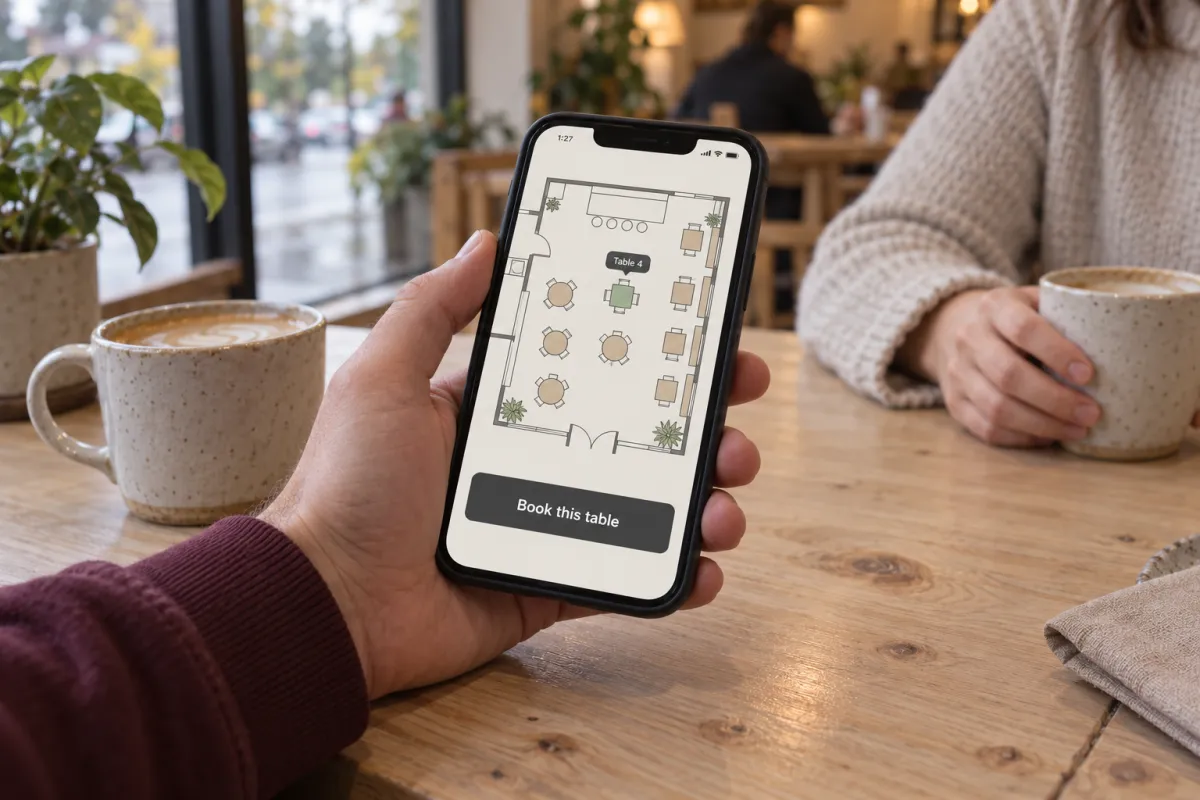
Table booking · Optional
Pick a table.
Not just a time.
Guests see a plan of your room and book the table they want: by the window, in a quiet corner.
Good to know.
Do I need ordering to use the QR menu?
No. The menu with photos works on its own. These extras are only for places that want them.
Can orders go to my till?
Often, yes. It depends on your POS system. We check it before we quote.
Can I add an extra later?
Yes. Start with the menu and add ordering or booking whenever you’re ready.